If you are an iPhone or iPad user, you may have heard about IPSW firmware files. These files are essential for manually updating, restoring, or fixing Apple devices.
In this guide, we will explain what IPSW files are and how you can safely download and install them.
What is IPSW Firmware?
IPSW (iPhone Software) files are official firmware files released by Apple for iPhone, iPad, and other Apple devices. These files are used by iTunes or Finder to update or restore your device.
Why Use IPSW Files?
There are several reasons why users download IPSW files:
– Manually update iOS
– Restore a bricked or stuck iPhone
– Downgrade (when supported)
– Fix software issues
How to Download IPSW Files
To download verified IPSW firmware files, always use trusted sources. You can get official firmware files directly from Apple servers through our platform:
Make sure you select the correct device model before downloading.
How to Install IPSW Firmware
Follow these steps:
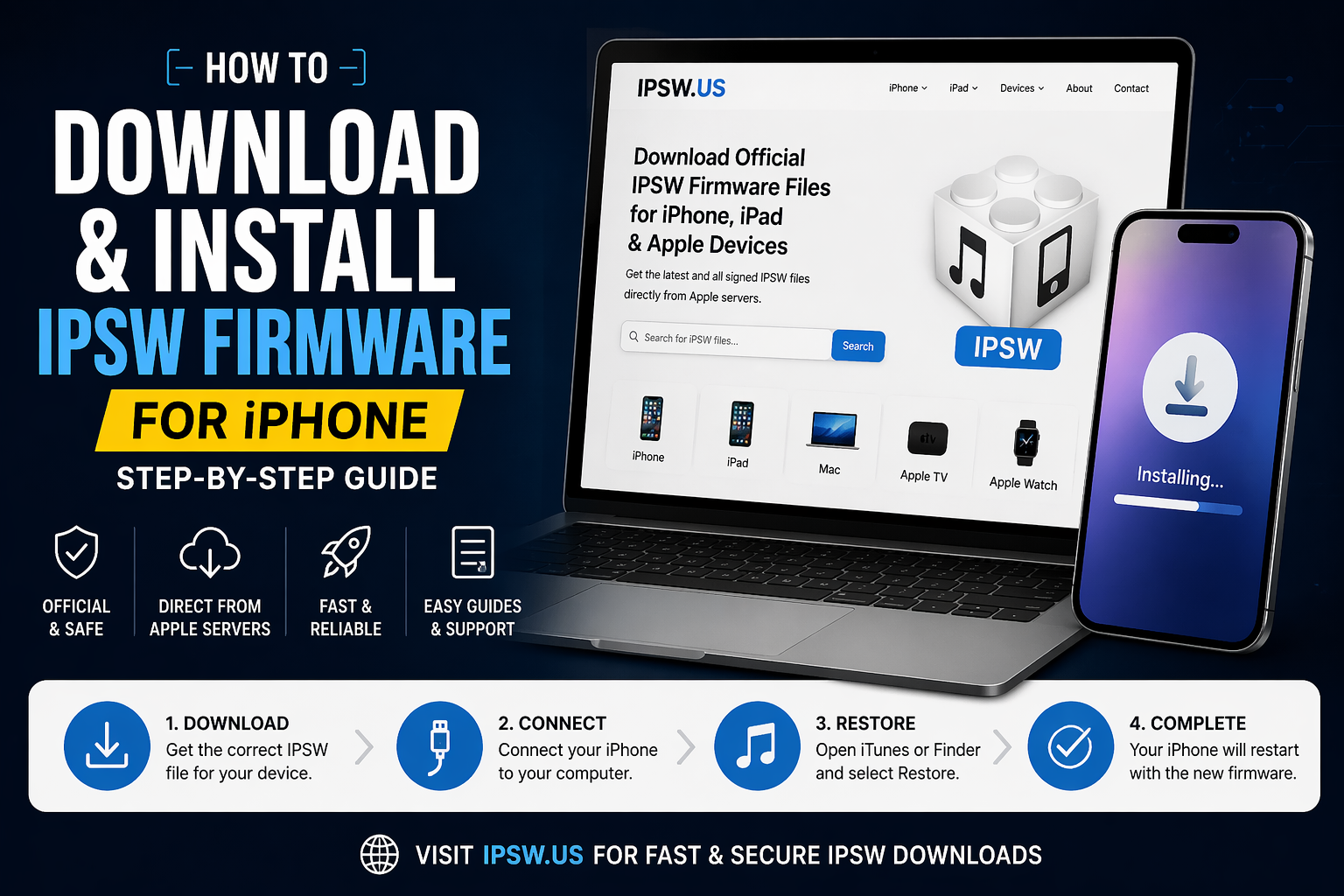
1. Download the correct IPSW file for your device
2. Connect your iPhone to your computer
3. Open iTunes (Windows) or Finder (Mac)
4. Hold SHIFT (Windows) or OPTION (Mac)
5. Click on “Restore iPhone”
6. Select the IPSW file you downloaded
7. Wait for the process to complete
Important Tips
– Always backup your data before restoring
– Make sure the IPSW file is signed by Apple
– Use original cable and stable internet
Conclusion
IPSW firmware files give you full control over your Apple device updates and restoration process. By using trusted sources and following the correct steps, you can safely manage your device software.
For fast and secure IPSW downloads, visit:
https://ipsw.us